ReLow60 L-HE
A low-profile 60% magnetic switch keyboard supporting 8000 Hz polling and a minimum stroke of 1.5 mm

Overview
ReLow60 is a 60% gaming custom keyboard featuring low-profile magnetic switches. It supports an 8000 Hz polling rate and is compatible with key switches with a minimum stroke of 1.5 mm. The actuation point is adjustable in 0.01 mm increments, allowing you to take full advantage of the key switch stroke. This project is being developed based on the experience gained from Archetype09.
Specifications
| Item | Details |
|---|---|
| Layout | 60% size. See below for available layouts |
| Switches | Compatible with 6 low-profile magnetic switch types (see the switch section here for details) |
| Polling Rate | 8000 Hz |
| Scan Rate | ~13,000 Hz |
| Rapid Trigger | Supported |
| Actuation Point Adjustment Resolution | 0.01 mm |
| LED | None |
| Software | ReConf (based on libhmk) |
| Case | Custom sheet metal case (integrated plate design) |
Software
Using the dedicated configuration tool ReConf, you can change keymaps and configure actuation point and Rapid Trigger settings. See the ReConf introduction article for details.
System Requirements
| Item | Details |
|---|---|
| USB | USB 2.0 or higher |
| OS | Windows 10 or later, macOS 10.15 or later, Linux (must be recognized as an HID keyboard via USB) |
Sales Information
| Hardware Version | Period | Description | Quantity |
|---|---|---|---|
| Limited Alpha | 2026/05/30 | Sold at Gaming Bazaar 2026 Spring @ Osaka. A limited edition for collecting feedback and making improvements. | 14 |
| Closed Beta | July 2026~ | Distribution to reviewers, feedback collection, and review publishing planned. | TBD |
| Open Beta | Summer 2026 (estimated) | General sale | TBD |
ReLow60 L-HE Limited Alpha
The Limited Alpha is the version to be sold at Gaming Bazaar 2026 Spring @ Osaka on May 30, 2026. It is a limited edition intended for collecting feedback and driving improvements, with a quantity of 14 units.
Pricing
| Item | Description | Price | Stock |
|---|---|---|---|
| ReLow60 L-HE Limited Alpha (with BackSpace and right Shift split) | PCB + case set. | ¥25,000 | 7 |
| ReLow60 L-HE Limited Alpha (no split) | PCB + case set. | ¥25,000 | 7 |
| Red Ghost Magnetic Lowprofile Switch 70pcs | Low-profile magnetic switch, 1.5 mm stroke | ¥10,000 | 5 |
| Green Ghost Magnetic Lowprofile Switch 70pcs | Low-profile magnetic switch, 2 mm stroke | ¥10,000 | 5 |
| Amethyst Magnetic Lowprofile Switch 70pcs | Low-profile magnetic switch, 3 mm stroke | ¥5,000 | 10 |
Purchasers of this product are asked to join the official Discord server. Upon joining, you will be granted the Limited Alpha Tester role. This role grants access to a channel exclusive to Limited Alpha purchasers, and will be used for future tester recruitment for new products and feature feedback collection.
Key Layout
This is a 60% keyboard. You can choose whether to split the spacebar and select the number of keys in the bottom-right row. The following two plate variants are planned. Quantities are limited. Both support the spacebar and other split options described above.
- No split

- With BackSpace and right Shift split

Package Contents
- ReLow60 L-HE Limited Alpha PCB
- Custom sheet metal case
Items Required Separately
- Low-profile magnetic switches (planned to be sold alongside; purchasing from another vendor is also acceptable)
- Keycaps: Cherry Profile, XVX Lowprofile, Nuphy BoW NSA, Nuphy Berry Profile, or other low-profile keycaps
- Gateron Low-profile Stabilizers (Gateron-brand low-profile stabilizers are required, as standard stabilizers are incompatible due to height. The required quantity depends on your layout.)
- USB cable (USB-C to USB-A or USB-C to USB-C)
- Phillips head screwdriver and other tools needed for assembly
- Slim-head machine screws M2 3 mm × 7 — available from Yushakobo, etc.
- Slim-head machine screws M2 4 mm × 7 — available from Yushakobo, etc.
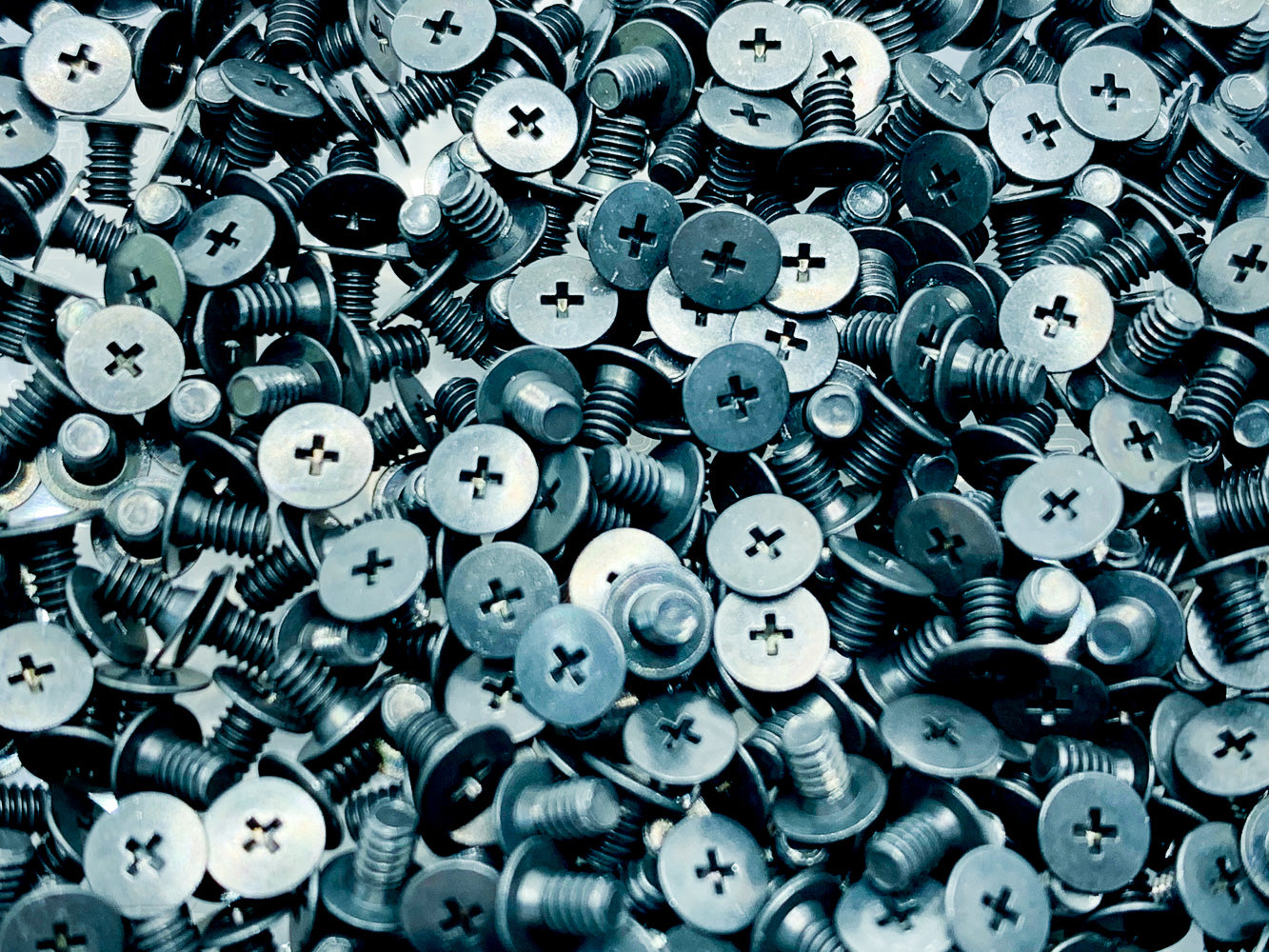
仕様 材質:鉄 処理:三価黒
- M2 × 3.5 mm standoffs × 7 — available from Yushakobo, etc.

仕様 材質:快削黄銅(C3604BD) カドミウム含有量75ppm未満処理:ニッケルメッキ(Ni)
- Optional tools such as a switch puller, keycap puller, rubber feet, etc.
- Cutting tools such as a utility knife or file (required for machining the USB Type-C connector area)
Assembly Instructions
This is a brief overview; a detailed assembly guide will be published at a later date. If you have questions about assembly, please ask in the ReLow60 channel on the ReBotLab official Discord.
- Attach the stabilizers to the top case.
- Install the switches into the top case while verifying the sensor positions on the PCB and the orientation of the switch magnets.
- Align the PCB, top case, and switch pins, then seat the PCB onto the switch tabs.
- Screw the 3.5 mm standoffs onto the bottom plate using M2 3 mm screws, taking care with orientation.
- Fasten the top case and bottom plate together using M2 4 mm screws. Be careful not to overtighten.
- Install the keycaps on the switches.
- Connect the USB cable and confirm that the keyboard is recognized by your PC.
Usage Notes & Troubleshooting
Due to design considerations, there are usage notes that differ from standard keyboards. Please review these carefully before purchasing.
- If the AP or RT values configured in ReConf are set too short, keys may go into a runaway state. In particular, setting the AP too short may cause key inputs to register even when no key is being pressed. Although the AP can be adjusted in 0.01 mm increments, it is recommended to start with longer values and adjust from there.
- If your PC becomes uncontrollable, keep the USB-C cable connected, then hold the BOOT button on the back of the keyboard while reinserting the USB-C cable. This will reset all settings to their defaults. Confirm that the keyboard is recognized by your PC, then reconfigure via ReConf.
- If a forced firmware update is required for any other reason, hold the BOOT button and press the adjacent NRST button. This will enter DFU mode (firmware write mode). Confirm that the keyboard is recognized by your PC, then flash the firmware again using the specified method.
Important Notes (Please read before purchasing.)
- The Limited Alpha is an early development version. Specifications may differ from other versions.
- A PC and USB connection are required for firmware flashing. Update instructions will be published at a later date; we recommend purchasing only if you are comfortable following the same update procedure as for the HE60.
- On some units, switches in certain remappable key positions may not be firmly secured. Turning the keyboard upside down or subjecting the underside to impact may cause switches to come loose.
- Compatibility issues may occur with certain USB-C cables. Do not force the cable; try a different USB-C cable instead. Alternatively, you may use an inexpensive USB cable and a utility knife to slightly trim the plastic shell of the USB-C connector. Detailed instructions for this modification will be published at a later date.
- Please handle the aluminum sheet metal case with care. Scratching, dropping, or subjecting it to strong impacts may deform the case or damage nearby objects.
- Returns and exchanges are not accepted except in cases of initial defects.
We would greatly appreciate it if you could share your feedback in the ReLow60 channel on the ReBotLab official Discord.